Sublimation paper is a special kind of paper that consists of paper and a special polyester coating. When you print on sublimation paper, the ink is captured inside the paper. If you then place the printed paper on a blank surface and apply heat and pressure, the sublimation paper will release the ink onto the object. This process allows you to print indirectly on different materials and products.
How do you print on sublimation paper?
The process of printing is very similar to using a normal inkjet printer at home or in the office. The big difference is that you will need an inkjet printer that is capable of sublimation printing, and special sublimation ink.
Please note that once a printer has been used for sublimation printing, it cannot be used for normal printing anymore.
Suitable materials
Sublimation paper can be used to transfer designs to a wide variety of items, but sublimation is most suitable for white or light-coloured objects because you are dyeing the object.
For best sublimation printing results, we recommend a fabric with a minimum of 65% polyester content, with higher percentages such as 75% or more providing better vibrancy, quality, and durability of your prints.
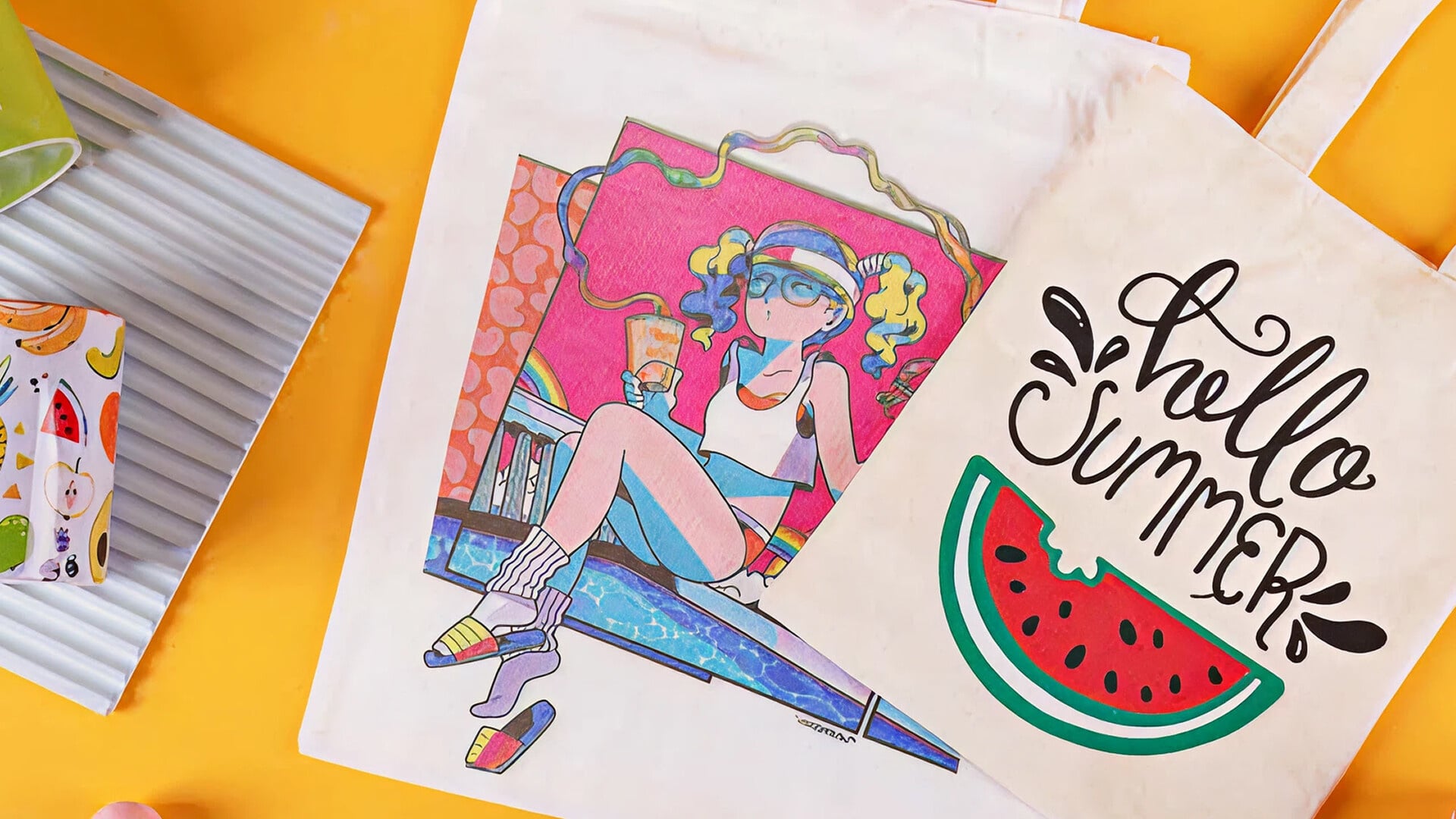
Some of the most common things to decorate with sublimation paper are t-shirts, bags, or other fabric items. During the sublimation process, the ink of your design is embedded in the fibres of the t-shirt or bag. Because it is not an extra layer on top of the object, the transfer is very durable and washable.
But you are not limited to fabrics! Sublimation paper can also be used to transfer designs onto hard surfaces, as long as they have a special coating for sublimation. This opens up a whole new world of things that you can customise: coasters, jewellery, cups, mugs, tumblers, puzzles, and much more. Just be sure to check if your item is suitable for sublimation transfer before you begin.
Do you need to mirror sublimation paper for cutting?
Yes, if you are working with sublimation paper you will have to mirror your design before printing.
You will print your design on the sublimation side of the paper. When you want to heat transfer that design onto an object, the sublimation side of the paper will have to touch the object.
So you will need to mirror your design before printing because you will flip its orientation between printing and transferring.
How do you use sublimation paper?
You can follow the steps below to transfer your design using LOKLiK sublimation paper.
- Mirror your image in your design software before printing.
- Print your design on the white side of the sublimation paper. Do not touch the printed side of the paper to avoid leaving fingerprints. The colours on the sublimation paper may look darker than you were expecting, but this is normal. The colours will look correct after the transfer.
- Wait for the ink to dry completely before you start transferring.
- Place your garment or other fabric item on a hard, heat-resistant surface (like an ironing board). Iron the garment to remove any creases.
- Place your sublimation paper on your item with the design facing down. Secure the paper to the item with heat-resistant tape.
- Use a heat press to transfer the design onto your item. You can find temperature and time settings for various surfaces below.
Please note that settings can vary depending on the sublimation ink, heat press, design size, and surface that you are working with.
| Type of material |
Temperature |
Time |
| Fabric |
180 - 200 °C |
40 - 60 s |
| Ceramic mug |
185 - 195 °C |
6 - 7 m |
| Ceramic plate |
175 - 185 °C |
3 - 4 m |
| Glass |
160 - 180 °C |
60 s |
| Hat, cap |
160 - 180 °C |
40 s |
| Phone case |
175 - 185 °C |
60 - 80 s |
| Mouse pad |
175 - 185 °C |
40 - 60 s |
| Key chain |
175 - 185 °C |
15 - 45 s |
- Done!
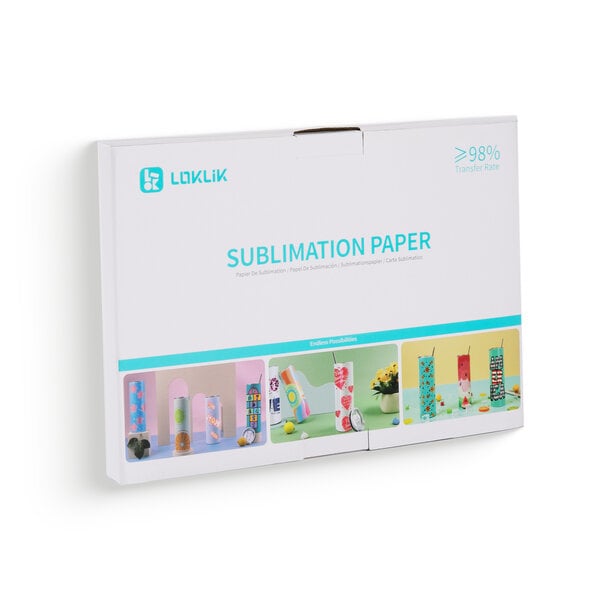
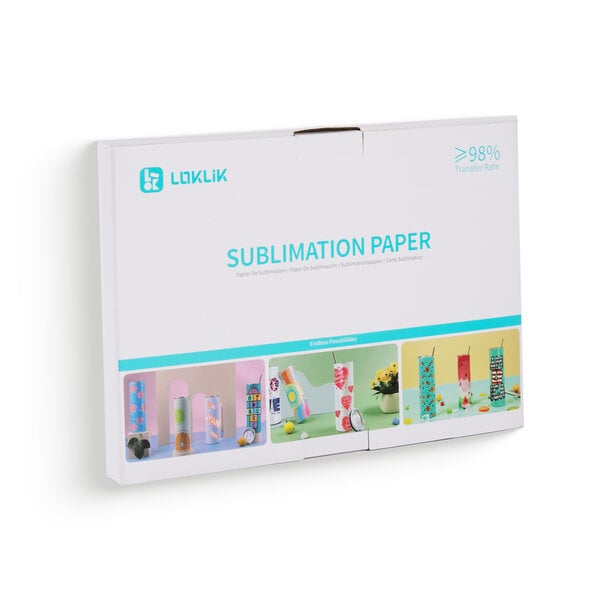
Buy sublimation paper
You can find sublimation paper in A4 or A3 size in our store.