How to install an embroidery hoop on a PooLin EOC03 or EOC05 embroidery machine
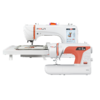
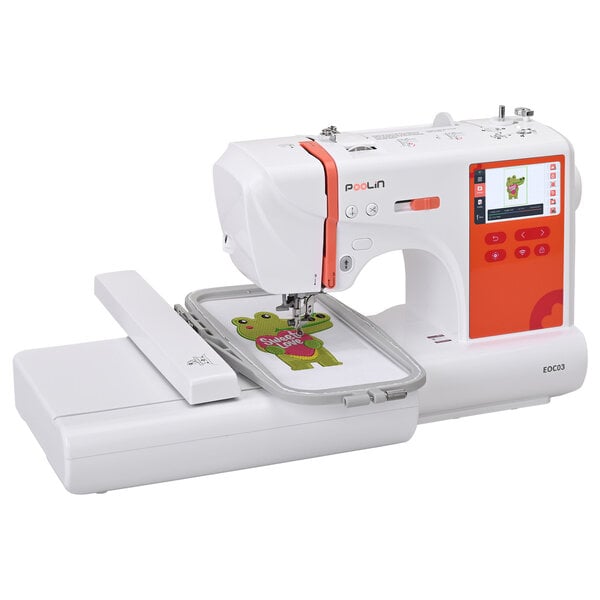
In this guide, we’ll walk you through how to properly install an embroidery hoop on your PooLin EOC03 or EOC05 embroidery machine and how to perform a thread tension test. Installing the hoop is a critical step for every embroidery project. Correct hoop installation and proper thread tension ensure your designs stitch smoothly, while also protecting your machine from unnecessary strain. Whether you’re new to embroidery or an experienced user, this tutorial will help you complete the process with greater confidence and precision.
You can watch the tutorial video below or read on for a step-by-step guide.
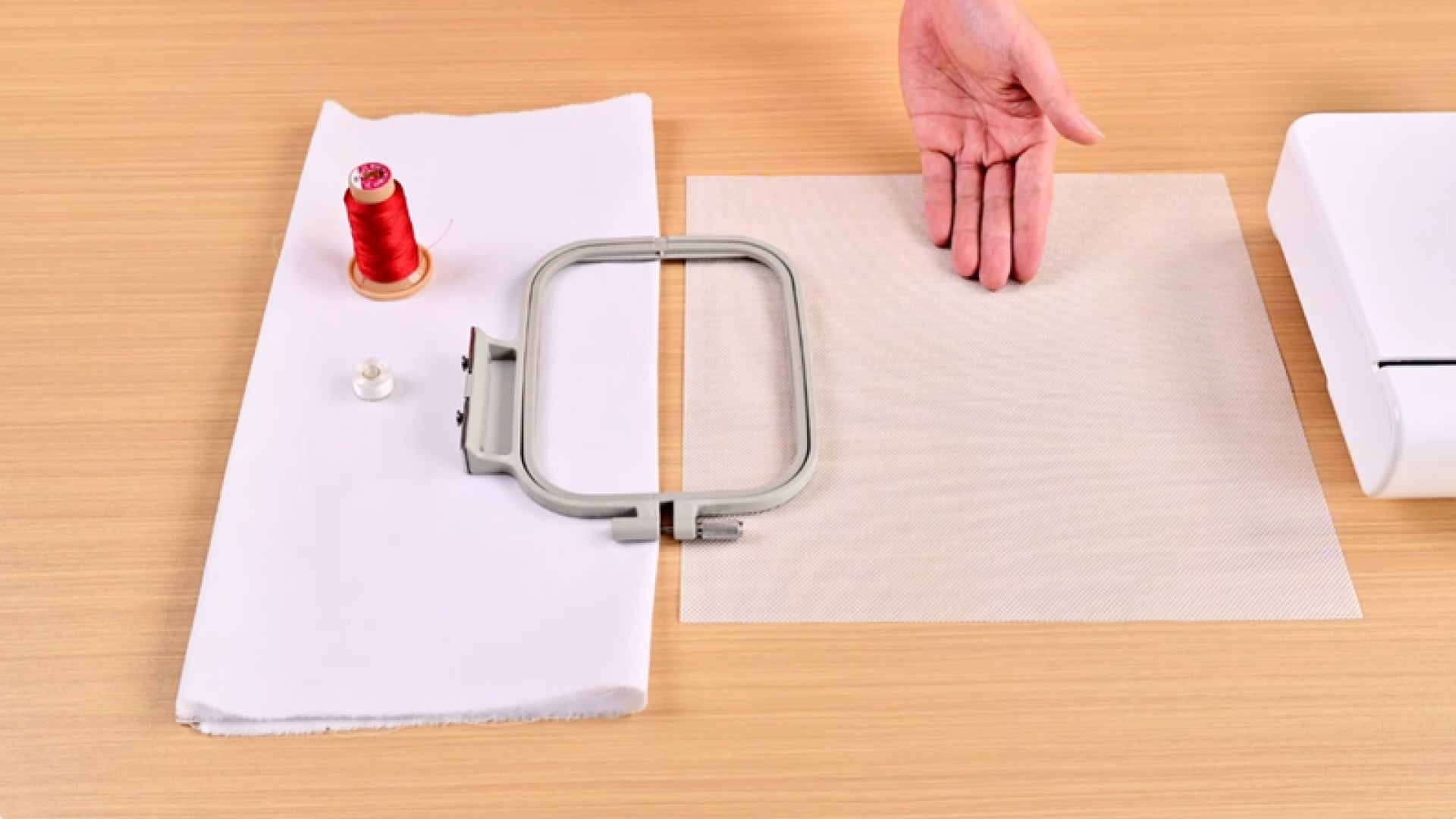
What you’ll need
Before you start, make sure you have the following items ready to go:
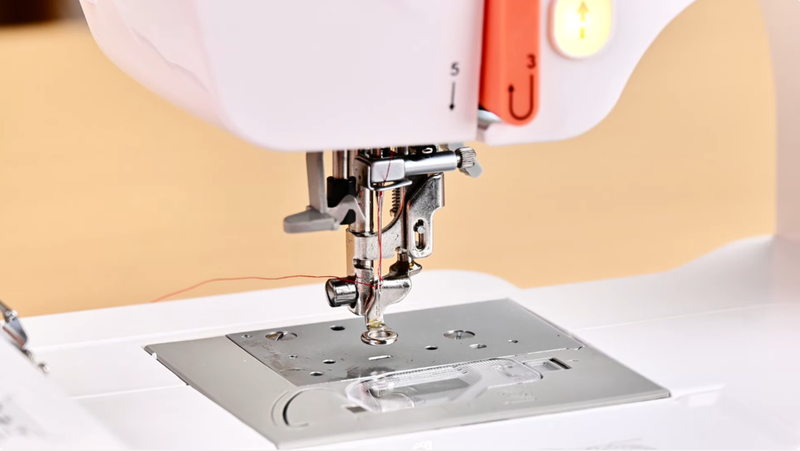
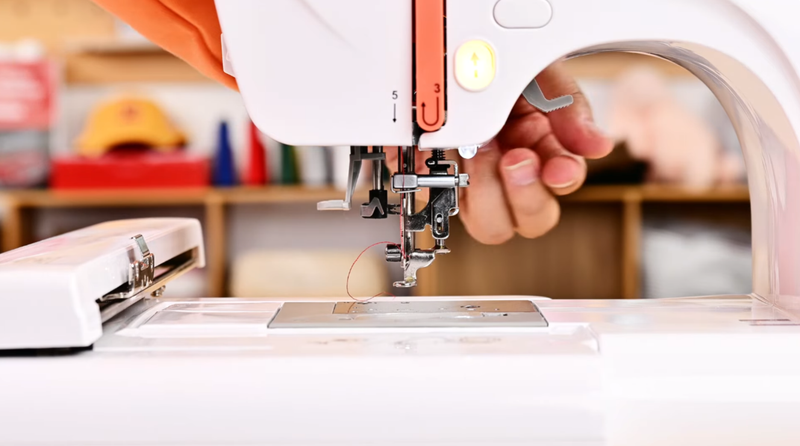
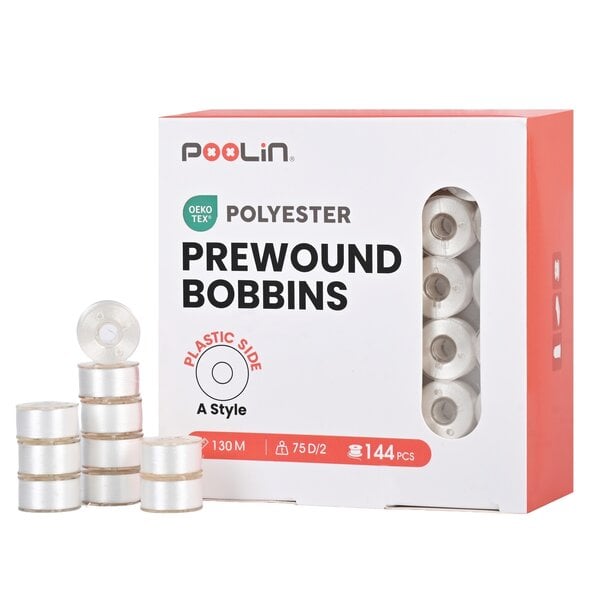
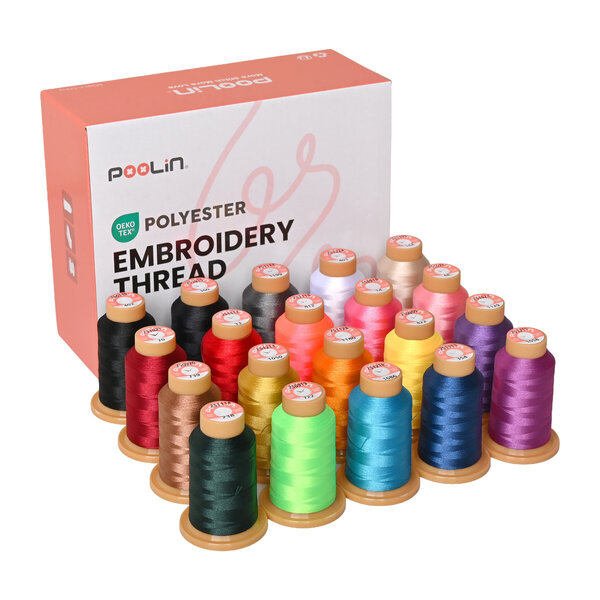
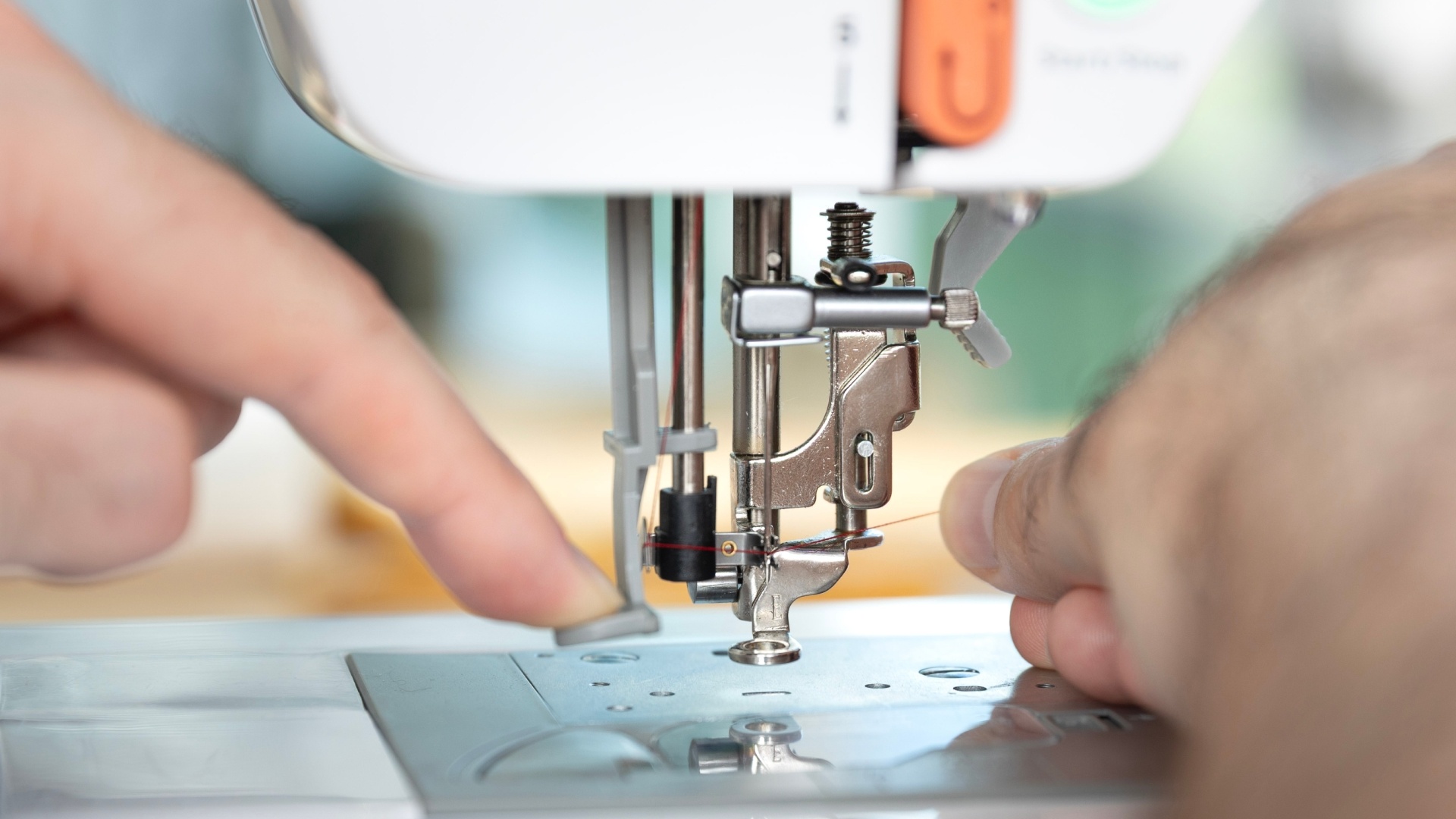
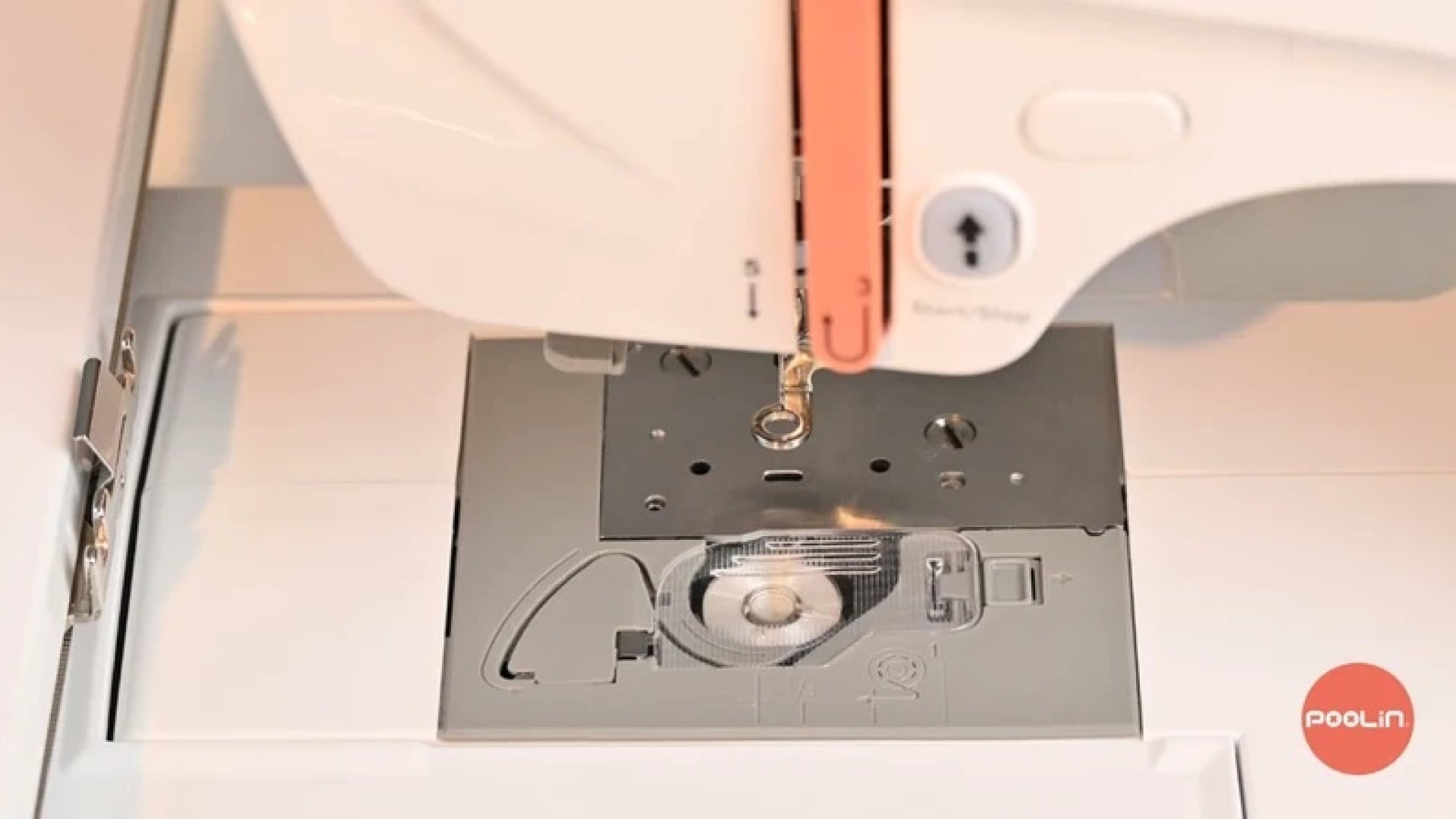
Before you install the hoop, you should install the bobbin in the bobbin case of the embroidery machine and your EOC03 or EOC05 should also be threaded with your embroidery thread. If you need any help with these steps, you can follow our other tutorials on how to install a bobbin and how to thread your embroidery machine.
Once you have done that, simply raise the presser foot and you will be ready to start!
Prepare the embroidery hoop
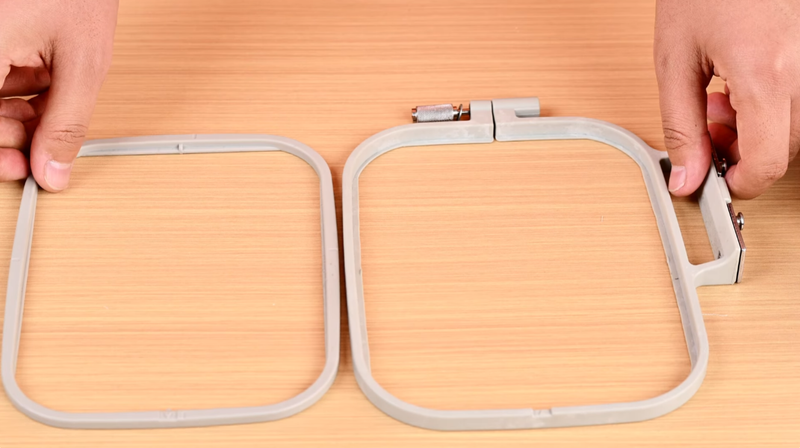
Start by removing the embroidery hoop from your machine and then loosen the screw on the hoop. Separate the inner ring from the outer ring.
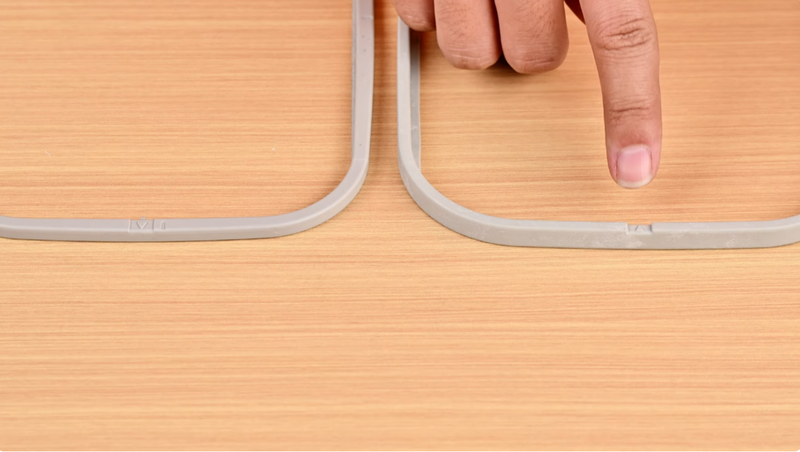
You will notice there are small arrows marked on one side of both rings. Later on, you will need to align these arrows with each other during installation to ensure correct positioning.
Hoop the stabiliser and fabric
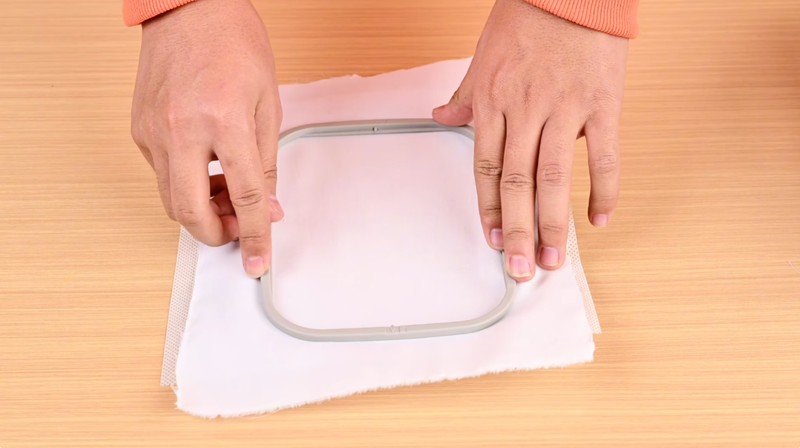
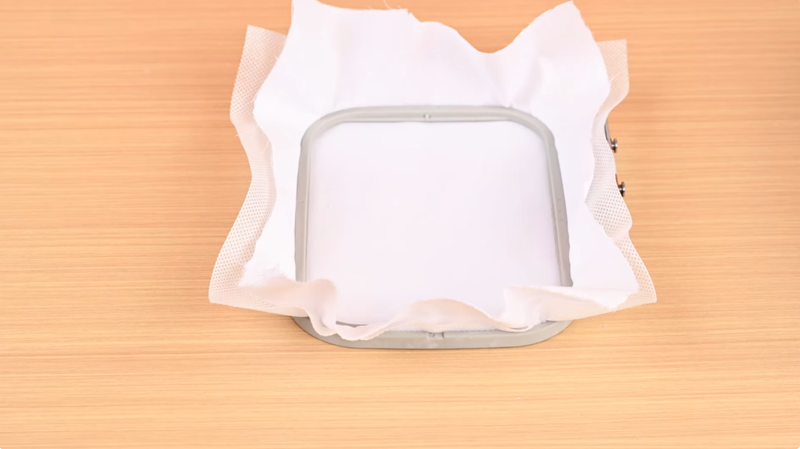
First, place a piece of stabiliser over the outer ring, making sure to leave some extra margin around the edges so it can be secured firmly. Then lay your test fabric on top of the stabiliser and outer ring. Position the inner ring over the fabric, making sure the arrows on both rings are aligned.
Press the inner ring down until it fully snaps into the outer ring. Gently pull the edges of the fabric and stabiliser to ensure that the surface inside the hoop is smooth, flat, and evenly tensioned.
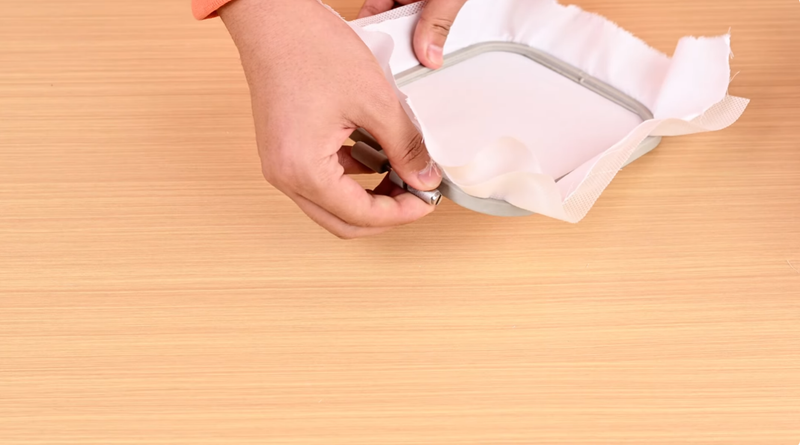
Once the embroidery area looks good, securely tighten the screw on the embroidery hoop.
In the end, the fabric should feel firmly stretched within the hoop, without wrinkles or slack.
Attach the hoop to the machine
If you forgot to raise the presser foot before you began, you will need to raise it now.
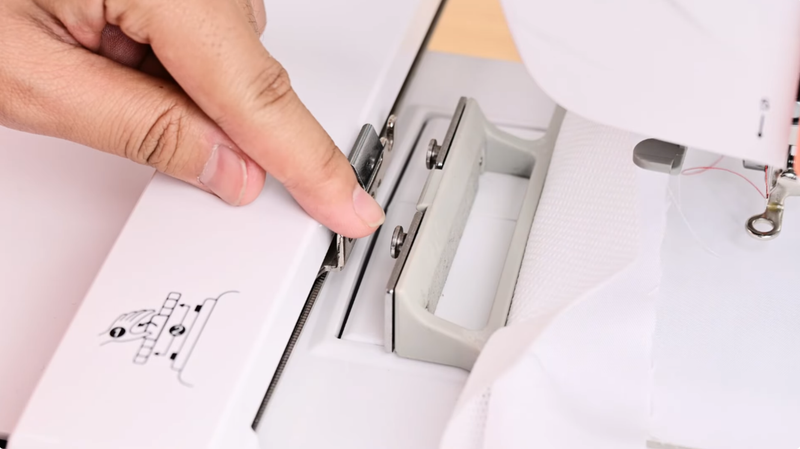
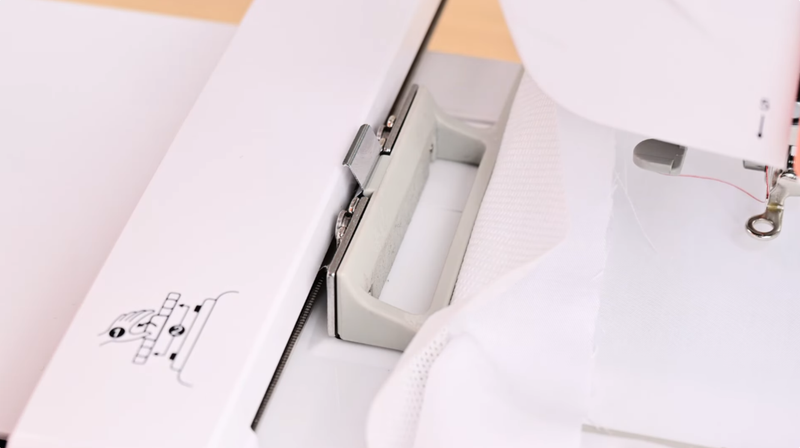
Align the hoop latch with the slot on the machine.
Press down firmly. You should hear a distinct “click”, indicating that the hoop has been securely installed and locked into place.
Perform a tension test
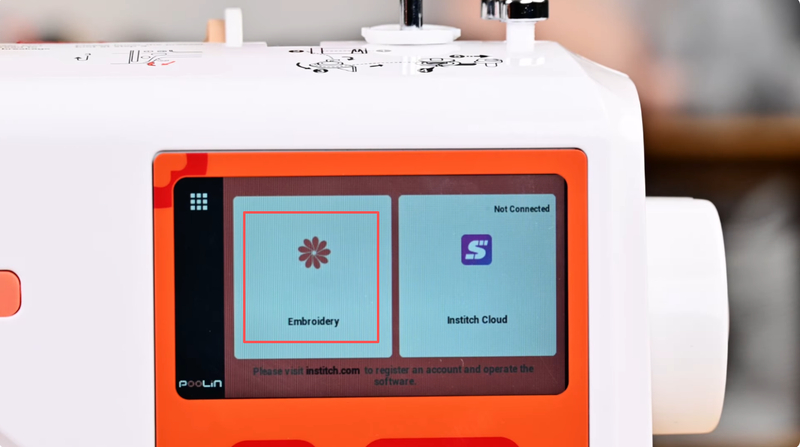
With the hoop properly installed, you can proceed with the tension test. On the machine screen, under “Pattern”, select the “Text” function.
Choose the capital letter “I” and do not adjust any other settings, such as size or stitch density.
Set the upper thread tension to the machine’s default setting, then start the embroidery process and wait until it completes.
Check the result
Once stitching is finished, turn the fabric over and examine the back side of the test embroidery. Ideally the bobbin thread should cover approximately one-third of the back surface. If you see too much bobbin thread, the upper thread tension is too high. Slightly reduce the tension. If you see too little bobbin thread, the tension is too low. Slightly increase it.
Make small adjustments as needed until the tension appears balanced.
Ready to go!
That’s it! You have installed your embroidery hoop and made sure your embroidery machine is ready to go.
Now you can repeat the steps above (without the tension test at the end) with the item that you actually want to embroider.
Browse our embroidery products
You can find everything you need to embroider at MakerMondo.
We use cookies on this website to enhance your user experience. For an explanation on the types of cookies used, please see your personal settings. For more information please read our privacy policy.